NoBars app icon

XCELL Tech product · iOS app

NoBars: Offline Music Player

Your music. Your device. Nobody else’s business.

Feature tour

Inside NoBars

NoBars is an offline music and audio player for the files you already own. It has no catalogue, no recommendations and no account — it plays what you put in it, from storage on your own device, whether or not there is a signal.

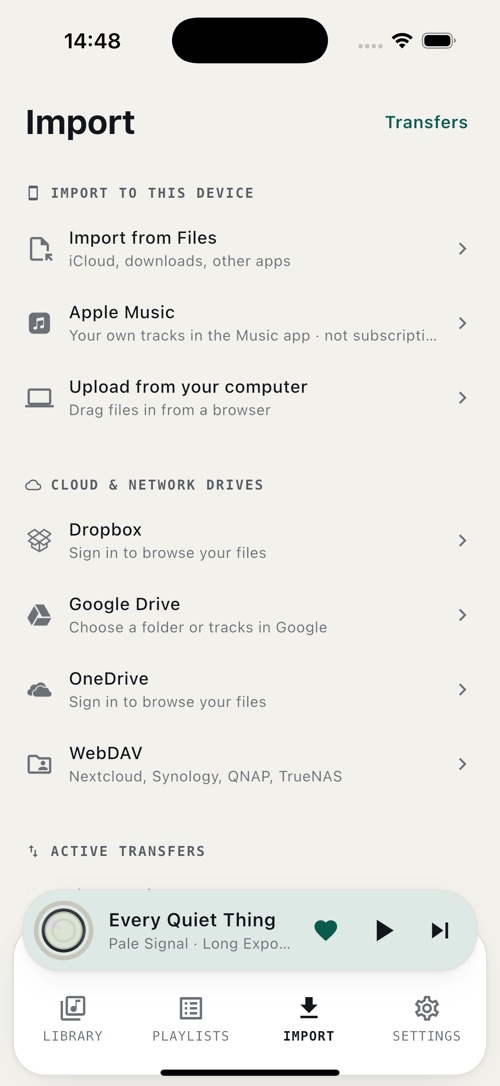
Getting music in is the part most players get wrong, so NoBars offers six ways: the iOS Files app, a computer over your own Wi-Fi, the Music app on the device, and your own Dropbox, Google Drive, OneDrive or WebDAV storage. Files are copied down to the device and played from there, so the library keeps working on a plane, on the underground, or with the network switched off entirely.

NoBars — Your music, your device

01 / 06

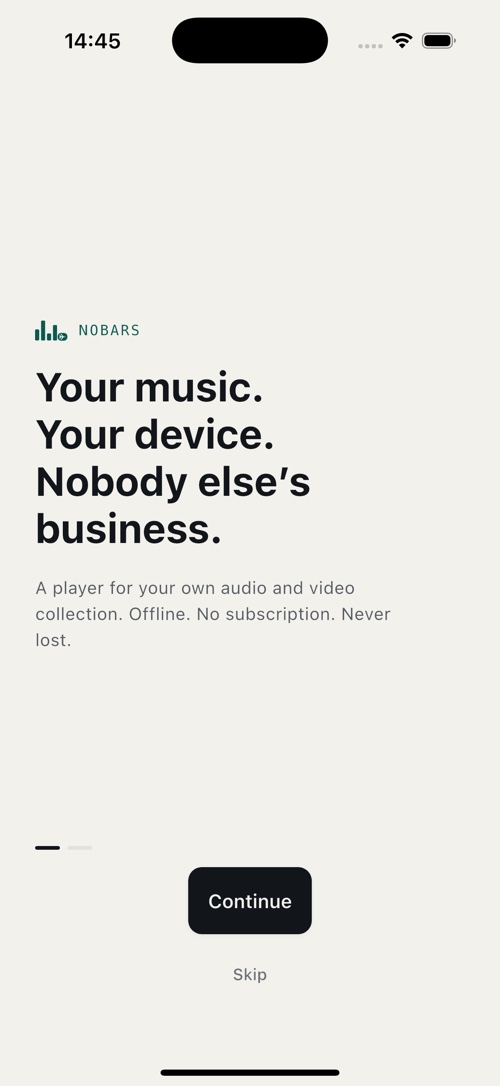
Your music, your device

No sign-up, no subscription and no catalogue to rent. NoBars opens straight into your own collection and never asks you to create an account.

  • No account
  • No subscription
  • Works offline
NoBars — A library that stays put

02 / 06

A library that stays put

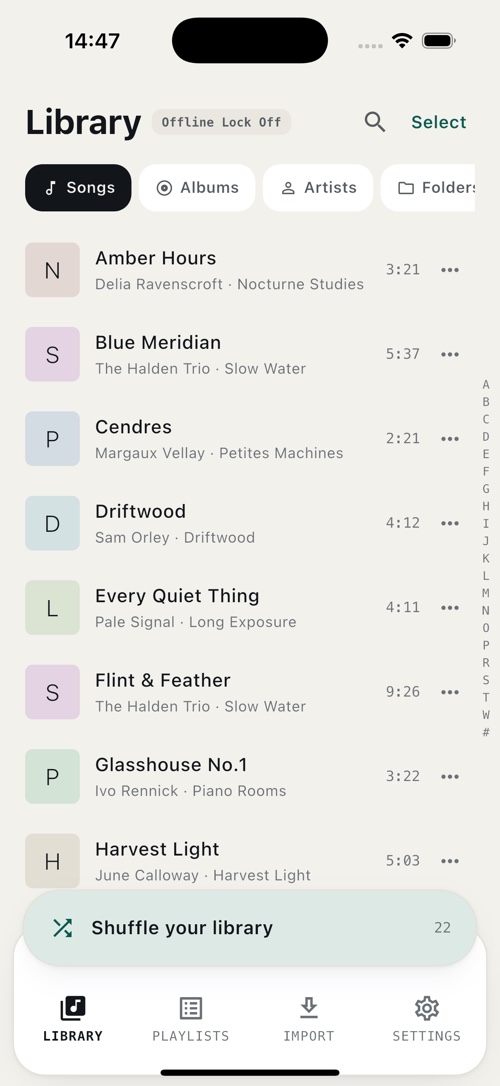
Browse by song, album, artist or the folder structure you already organised, with search and an A–Z index that stay fast as the collection grows.

  • Songs · albums
  • Artists · folders
  • Instant search
NoBars — Built for listening

03 / 06

Built for listening

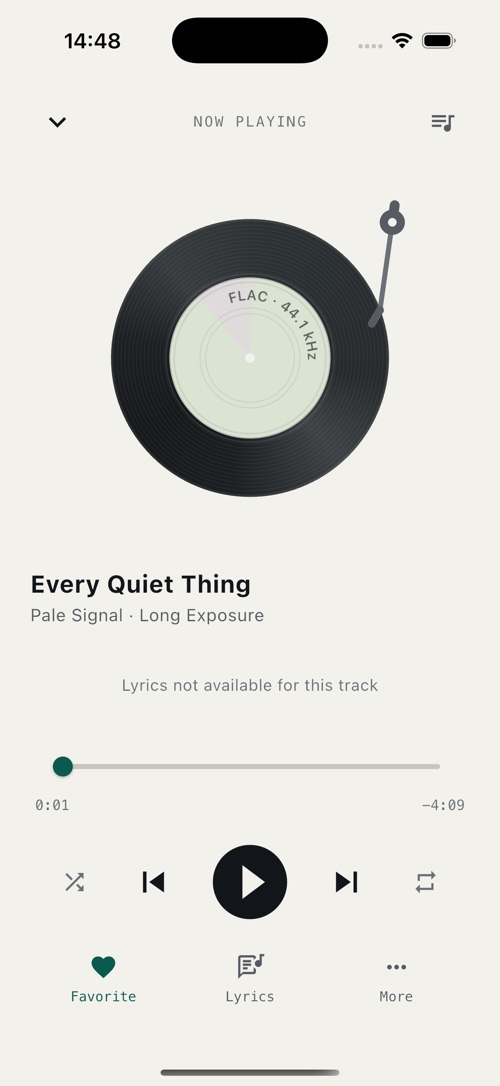
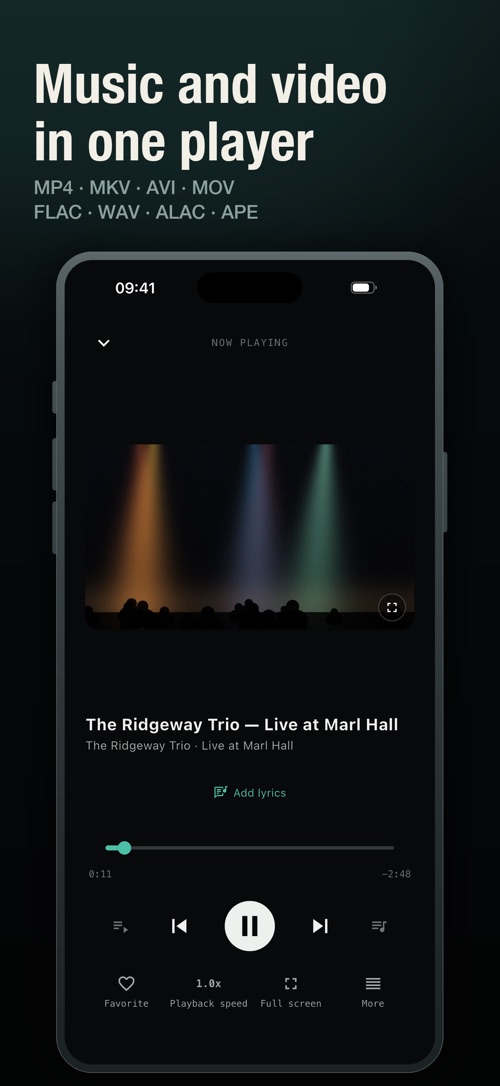
Gapless playback, crossfade, loudness normalisation and an equaliser, with lyrics from the file itself and lock-screen controls that keep working in your pocket.

  • Gapless · crossfade
  • Equaliser
  • Lock-screen controls
NoBars — Six ways in

04 / 06

Six ways in

Import from the Files app, drag files in from a browser on the same Wi-Fi, or pull your own tracks out of the Music app. Connect your Dropbox, Google Drive, OneDrive or WebDAV storage, browse it, and copy down only what you want on the device. Every connection is read-only.

  • Files · Wi-Fi · Music app
  • Dropbox · Google Drive
  • OneDrive · WebDAV
NoBars — Playlists that make themselves

05 / 06

Playlists that make themselves

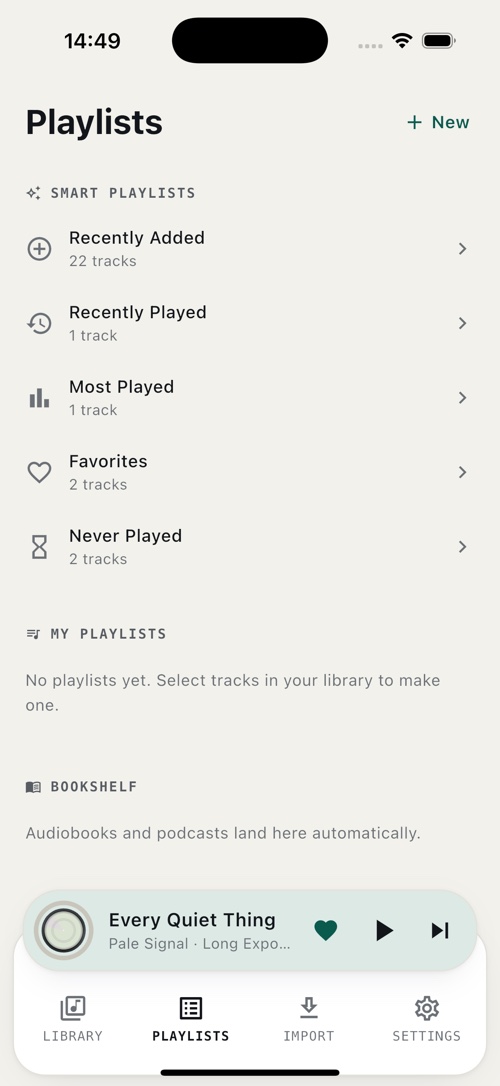
Recently added, recently played, most played, favourites and never played are kept up to date for you, alongside the playlists you build by hand. Audiobooks and podcasts get their own shelf, with position memory.

  • Smart playlists
  • Favourites
  • Audiobook shelf
NoBars — One switch that blocks everything

06 / 06

One switch that blocks everything

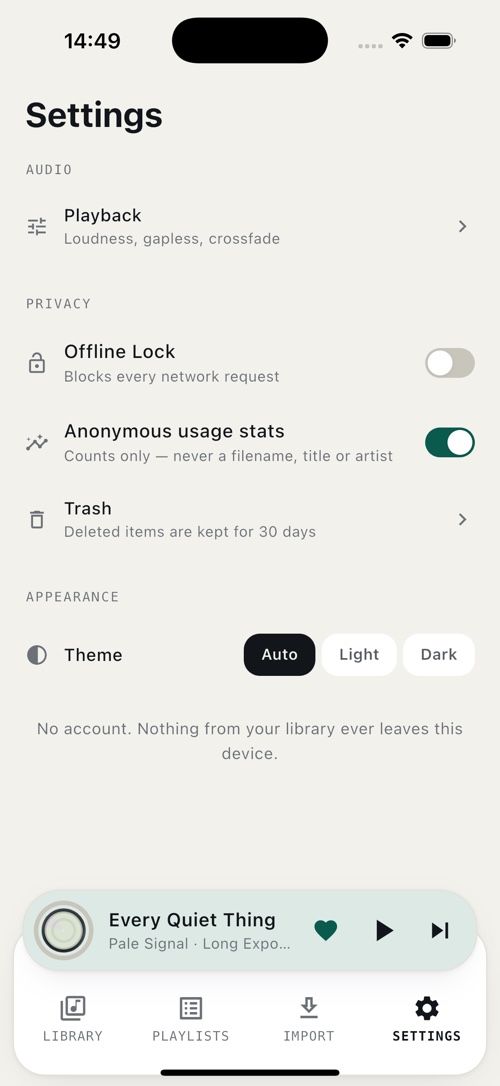
Offline Lock refuses every outbound request the app can make, cloud connections included. Usage statistics are counts only and can be turned off, deleted items sit in a trash for 30 days, and nothing from your library ever leaves the device.

  • Offline Lock
  • Opt-out statistics
  • 30-day trash

Support

Questions about NoBars, a bug to report or a data request — one address reaches us, and we reply within two business days.

Publisher

XCELL TECH

Privacy & data handling How NoBars treats the music you put into it, and the accounts you connect to it
  • NoBars is offline-first: your audio files, tags, artwork, playlists, play counts and listening positions are stored locally on your device. There is no account and no library upload.
  • Playing music, browsing the library, making playlists, importing files and using the trash involve no network requests at all — a build-time check fails the release if that code ever touches the network.
  • Cloud and network drives are optional, always started by you, and read-only. The app has no capability to upload, modify, rename, move or delete anything on Dropbox, Google Drive, OneDrive or a WebDAV server.
  • Sign-in happens in an isolated system browser, so NoBars never sees your password for any of those services. Access tokens are held in the device Keychain and can be disconnected at any time from inside the app.
  • Files you download go straight from the service to your device. They do not pass through, and are never stored on, any server operated by us.
  • Each service is asked for the narrowest permission that lets you browse and download. On Google Drive that is the drive.file scope, which reaches only the files and folders you pick in Google’s own chooser — NoBars cannot see, list or search the rest of your Drive, and has no way to request that ability. Our use of information received from Google APIs follows the Google API Services User Data Policy, including its Limited Use requirements.
  • No advertisements, no advertising SDKs, no advertising identifier, and nothing sold to anyone.

Published policies: Privacy Policy · Terms of Service · questions to service@oxcellion.com.